
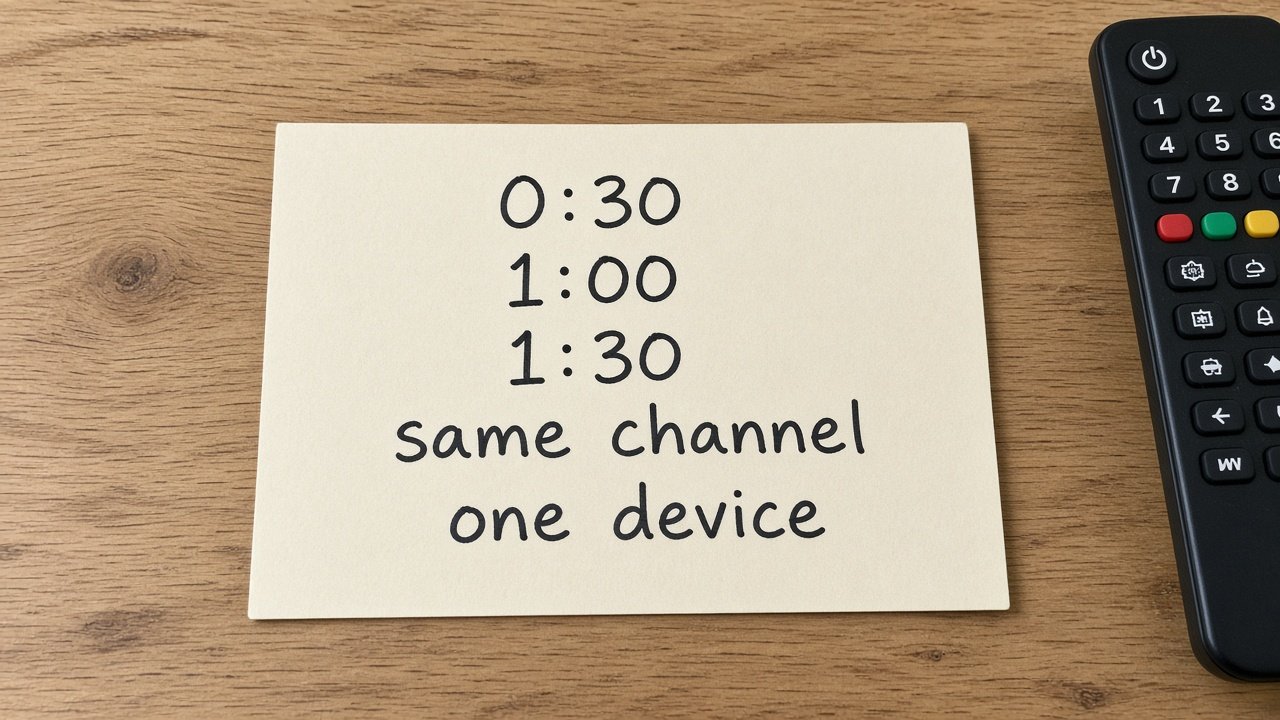
iptv buffering every 30 seconds means the picture stops, returns, and stops again on about the same gap. The player is running out of stored video on a schedule. Time three gaps on one channel, on one device, before you change a setting. A gap that keeps changing is a different problem.
Write the gaps down. In the example below, 0:30, 1:00, and 1:30 are three stalls thirty seconds apart: 30, 30, 30. That is a clock. Gaps of 8, 40, and 12 seconds are not this pattern, because the wait itself keeps moving. These figures show how to read a timer. They are not a speed score for a service, and they are not a promise that the next cycle will match.
Read the clock before you touch the network
A player keeps a short stretch of the stream in memory and plays from that stretch. When playback catches the end of what it has stored, the picture waits until more video arrives. If that wait returns on a steady gap, the refill is losing the race by about the same amount each time. Random freezes do not line up on a timer.
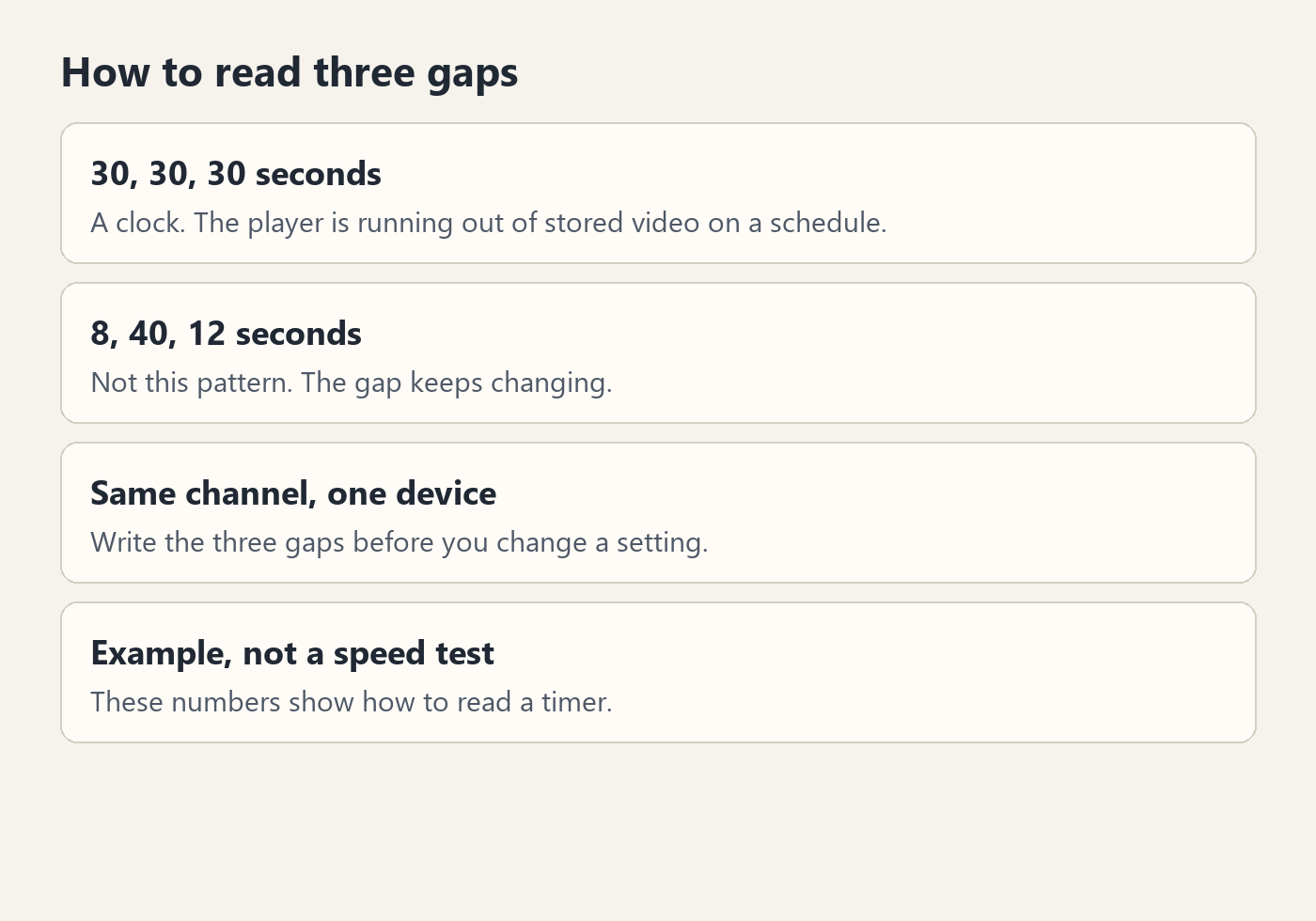
Use one channel you actually watch. Leave the picture quality where it is for these three gaps. A speed-test number measures a path to a test server. It does not measure the path to the stream you are watching, so a high test result can sit next to a clock that never moves.
Nine checks when iptv buffering every 30 seconds
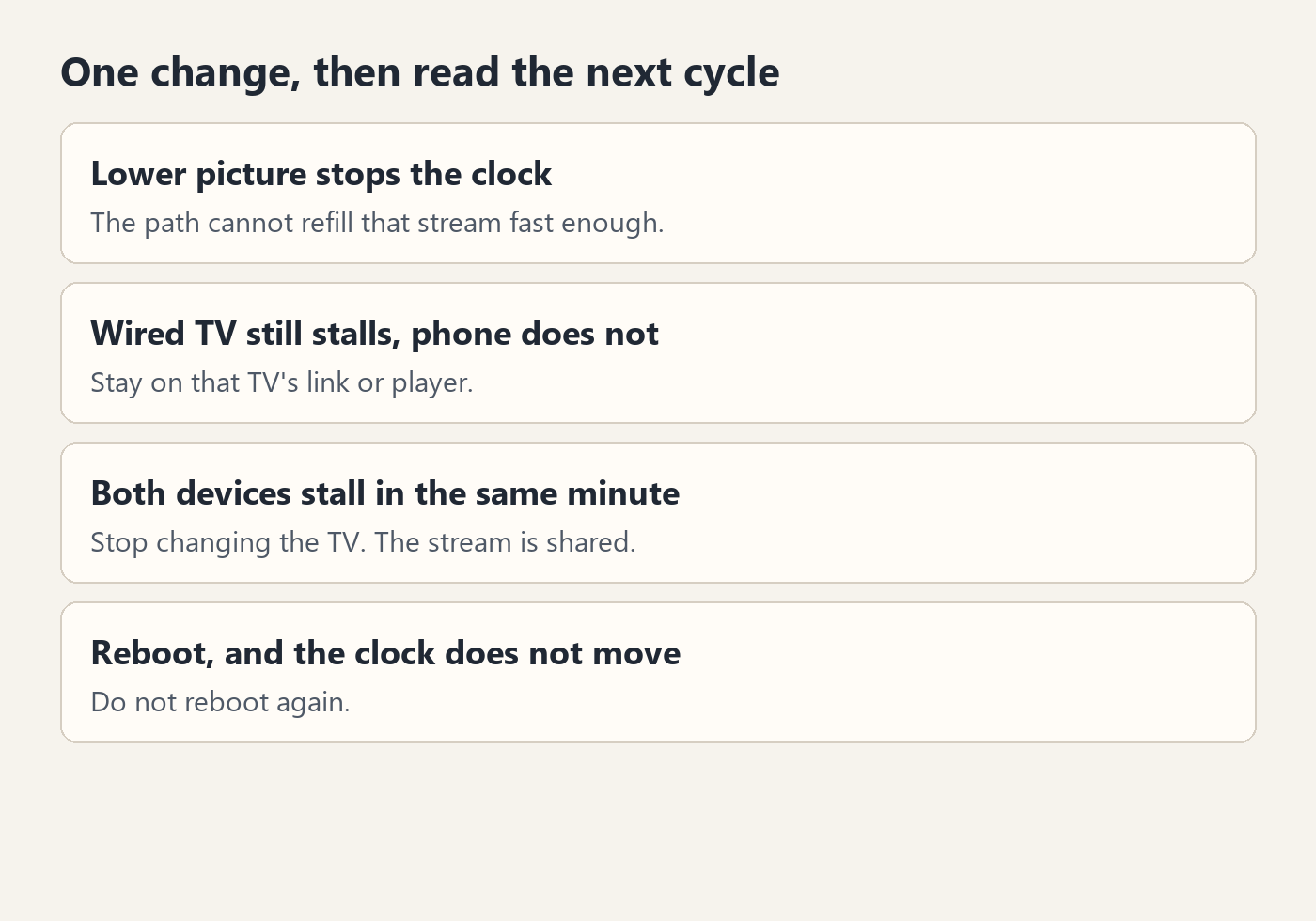
Change one thing, watch one more cycle, then write what the clock did. Stacking five changes hides which one mattered.
Keep the three gaps you already timed. If they are not roughly even, stop this list. You are not looking at a 30-second clock.
Stop every other play on the same subscription, including a second television. Two plays share one allowance. How many screens that allowance includes is written on the page you accepted, not as a fixed number here.
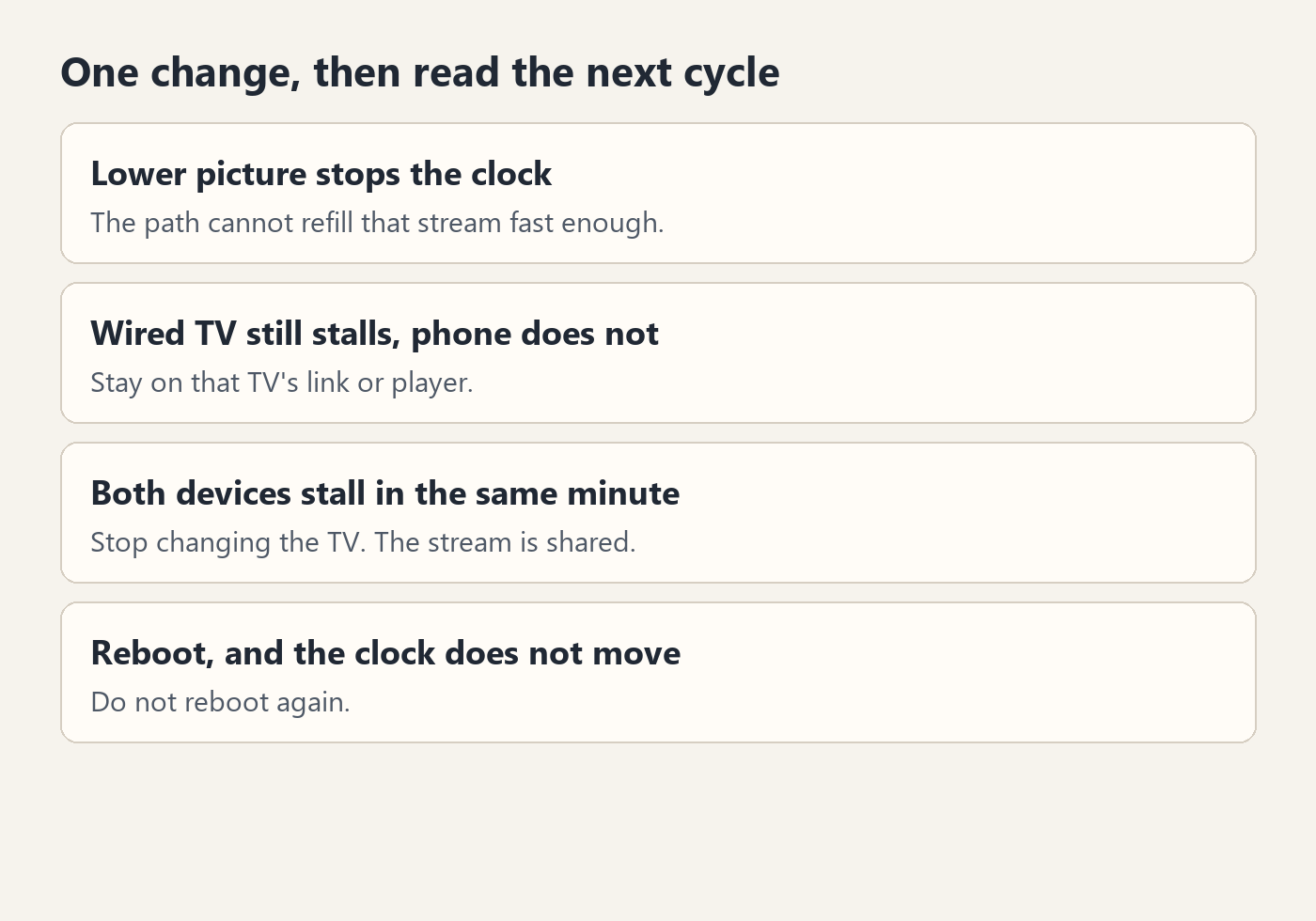
Drop the picture one step on that same channel. If the clock stops, the path cannot refill the higher stream fast enough. If the clock stays, picture size was not the limit.
For one cycle, use an Ethernet cable the television already has, or move the player into the same room as the router. A stall that vanishes there and returns in the far room is the wireless hop.
Pause large downloads and cloud backups on the same home network for one cycle. If the clock disappears only while those transfers are paused, they were taking the refill.
Quit the player completely, not just the channel list, and open the same channel once. If the clock is back inside one cycle, reopening did not fix the refill.
Update the player from the store that belongs to that device. Skip install files offered outside that store. Setup mistakes are a separate pass from this timer.
If the player has a buffer or cache control, raise it one step and watch one cycle. If that screen does not exist, skip this check. Do not add another app just to hunt for a slider. A player feature list describes what an app can show. It does not time your stall.
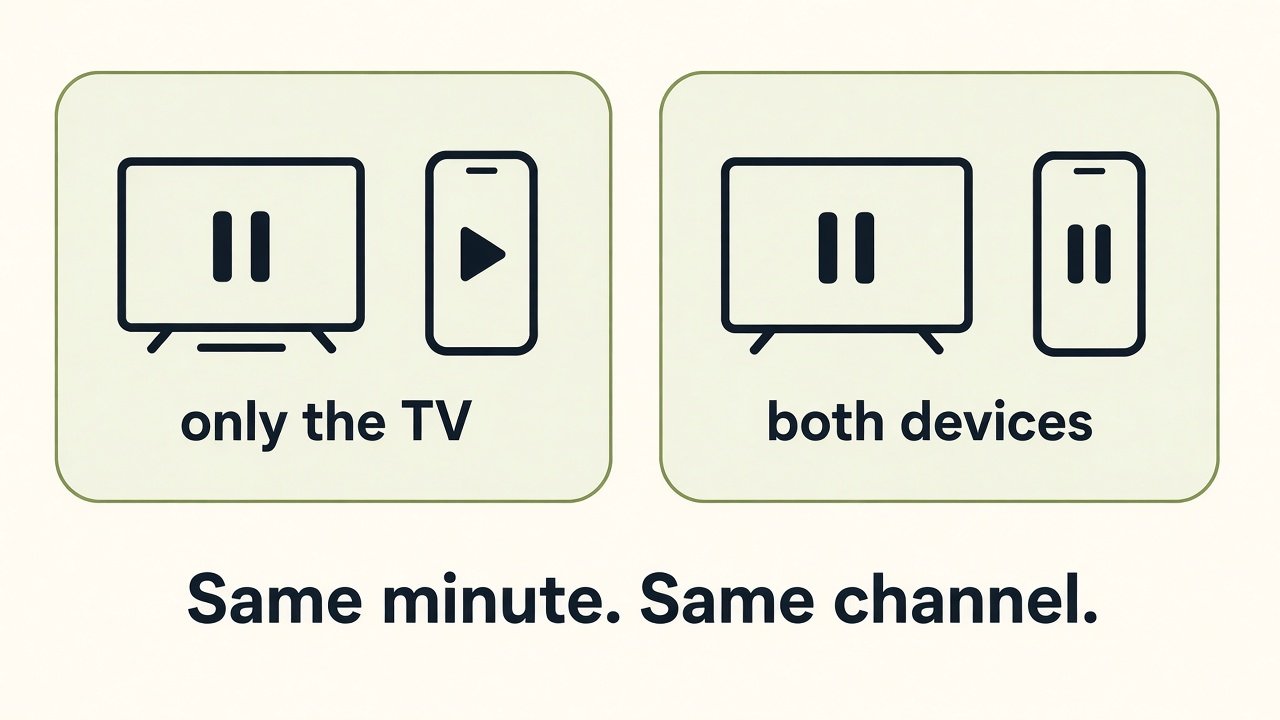
Play the same channel on a second device during the same minute. Leave the first device as it was.
The second device splits the problem
Only the television stalls, and the phone plays: stay with that television. The cable, the wireless hop, or that player is where the refill fails. Both devices stall in the same minute: stop changing the television. The stream those devices share is what runs dry. A router reboot that leaves the clock where it was does not earn a second reboot.
If the device is sending traffic through an extra tunnel, turn that tunnel off for one cycle. Adding a new tunnel does not refill a buffer. Do not swap the subscription for a playlist you found online. A found list does not fix the clock, and it is not permission to watch those channels.
Where to stop
Do not pay a second person who offers to unblock the line, speed the match up, or guarantee the next half. That offer is not one of the nine checks. When both devices share the clock, further television settings will not create video that is not arriving.
A player shows a stream. It does not contain the channels. What a service is stays separate from the app that plays it. Whether you may watch a given channel depends on the rights for that service where you are. A smoother picture does not decide that. The legal question is its own page. This is not legal advice.
Before you pay, watch three cycles of one channel on the device you will actually use. The trial guides on this site are where that trial is described. How a trial starts is a different page from this timer. Price, duration, and the number of screens are on the page you accept. The terms of use govern these pages. They are not a reading of your three gaps.
Common questions
Does iptv buffering every 30 seconds mean the internet is down?
No. A repeating gap means stored video is running out on a schedule. Time three gaps on one channel first. A speed test to another server does not measure this stream.
What if the gaps are 8, 40, and 12 seconds?
That is not this clock. The wait keeps changing. The nine checks above are for gaps that stay near the same length, such as 30, 30, 30.
Should I change several settings at once?
No. Change one thing and watch the next cycle. If you change five things, you cannot tell which one moved the clock.
If a lower picture stops the stalls, is the service broken?
It means the path could not refill the higher stream fast enough. The lower picture playing through is the useful result. It is not a lab score.
What if the wired TV still stalls and the phone does not?
Stay on that TV. The cable, the wireless hop, or the player on that set is where the refill fails. Changing every other device will not answer it.
What if both devices stall in the same minute?
Stop changing the TV. Both sets are waiting on the same stream. Write down the channel, the minute, and the three gaps.
Should I reboot the router again if nothing changed?
No. One reboot is enough to see whether the clock moves. If the gaps stay put, another reboot repeats a result you already have.
What if the player has no buffer control?
Skip that check. Do not install a second app to look for a slider. Use the store that belongs to the device if the player itself needs an update.
Does the player include the channels?
No. The player shows a stream. The subscription is what opens the channel. Updating the app does not add channels that were not in the subscription.
Will a playlist I found online stop the clock?
No. Swapping in a found list does not refill the buffer you just timed, and a found list is not permission to watch those channels.
When should I watch three cycles before paying?
On the device you will actually use, on one channel you care about. The trial guides on this site describe the trial. Price, duration, and screen count are on the page you accept.
Does a smoother picture settle whether I may watch the stream?
No. Rights depend on the service and where you are. Clearing a stall does not grant those rights. This page is not legal advice.